Bring your photos.
Choose still JPEG, PNG or WebP files. The free app includes a synthetic example, so you can try a complete job before adding your own.
YOUR QUIET PRODUCT-PHOTO STUDIO
Resize, frame and convert your product photos with one set of settings. Inspect the previews, then take a neatly named batch in one ZIP.
JPEG · PNG · WebP / No account. No image uploads.
Your originals stay unchanged. See the supported workflow.
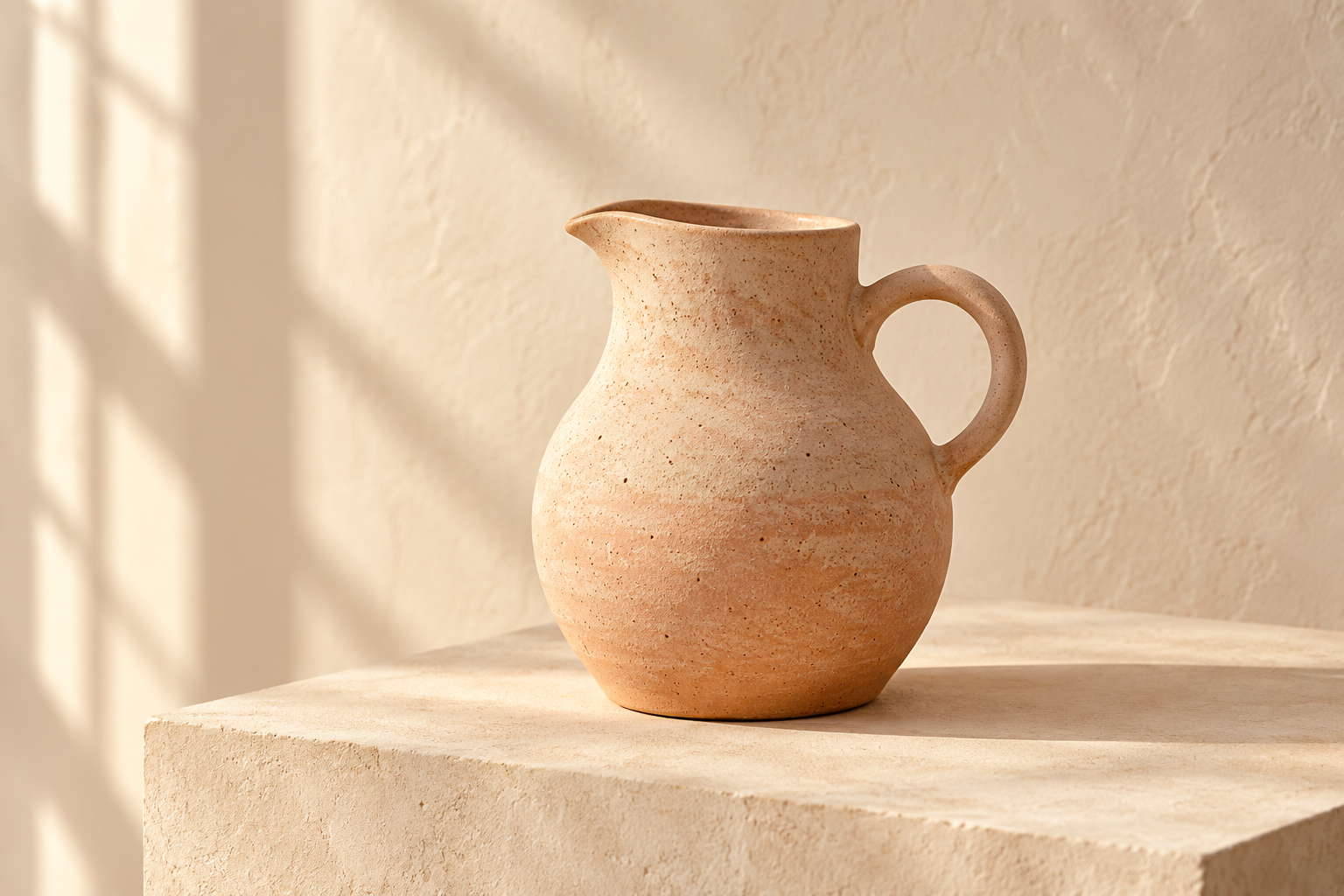
Original composition · display scaled
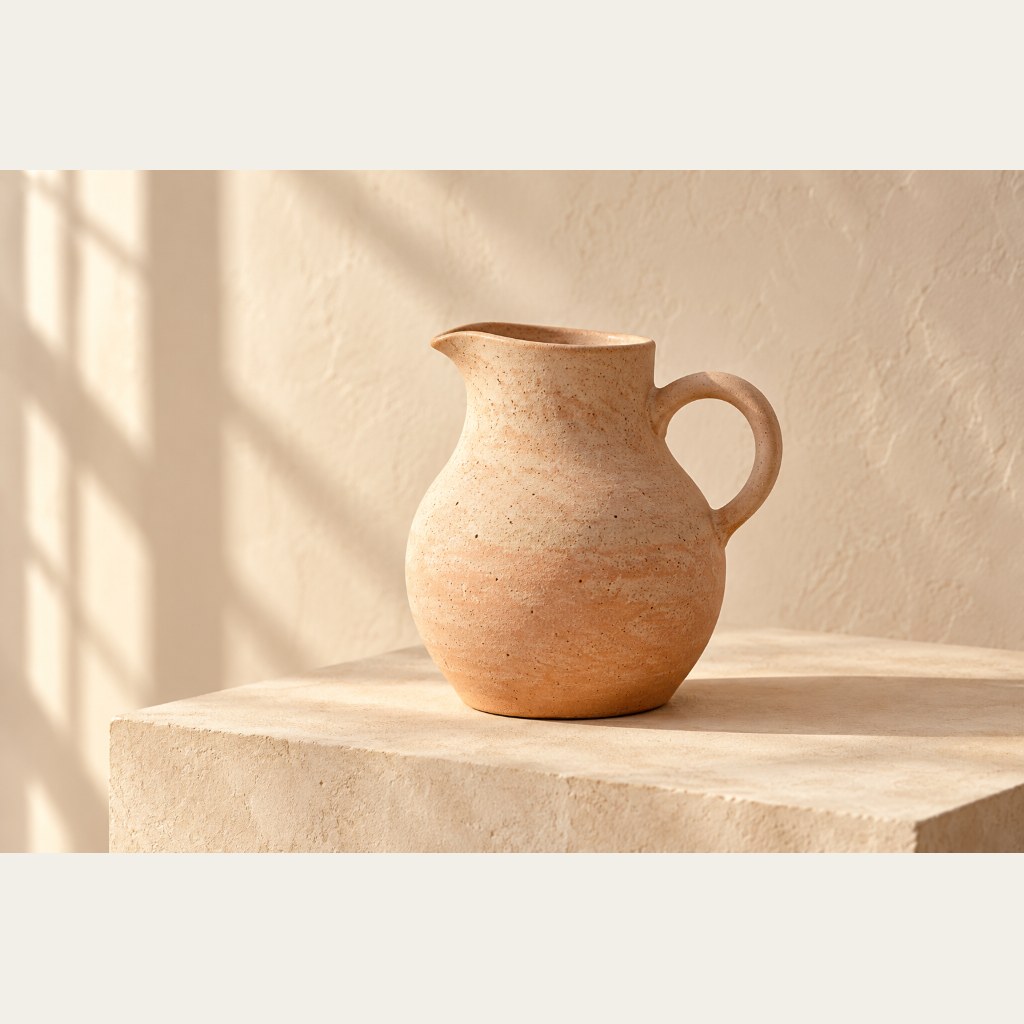
Actual QuayPhoto exports · fictional studio photograph.
Only resizing and framing; the photographed scene stays intact.
A LITTLE LESS REPETITION
For small online sellers who already have their photos and want a simpler way to prepare them together.
Choose still JPEG, PNG or WebP files. The free app includes a synthetic example, so you can try a complete job before adding your own.
Set a longest side, output format and quality. Keep each photo’s proportions, or fit it into a square frame. Smaller originals are never enlarged.
Compare original and encoded previews, dimensions and file sizes. Save individual images or one ZIP with consistent filenames and a manifest.
START SMALL. KEEP CONTROL.
Try the real export workflow free. Choose the Windows download when a bigger batch makes sense.
3 images per batch · real previews and ZIP export.
No watermark, sign-up or time limit.
Up to 100 images per batch · downloadable app.
No activation, subscription or recurring payment.
Tested on Windows with Opera (Chromium). Extract the whole ZIP and run START-QUAYPHOTO.cmd. Its local helper stops after 30 minutes; relaunch to reload afterward. Other browsers, operating systems and physical mobile devices are not separately verified. Checkout and download delivery are through itch.io; keep your receipt.
KNOW YOUR TOOLS
QuayPhoto resizes, frames and converts. It does not retouch products, remove photographed backgrounds or guarantee marketplace acceptance.
Still JPEG, PNG and WebP only. No animated PNG/WebP, SVG, HEIC or RAW. Up to 20 MiB per source, 25 million pixels per image, 4096 pixels per output side, 100 MiB source and 100 MiB prepared output per batch. Free: 3 images; Windows download: 100.
JPEG and WebP are re-encoded with your quality setting; smaller file sizes are not guaranteed. PNG is lossless and ignores quality. Source metadata is not retained. Color appearance can vary by browser. JPEG transparency uses your chosen background. Keep originals and inspect every output.
Explicit errors show which items failed or exceeded a limit. Failed files are excluded, and a partial batch requires your acknowledgement before downloading.
Image processing is local. The app has no image-upload endpoint, tracking script or remote processing dependency. Cloudflare handles ordinary website requests under its policies. Loading this website requires a connection.
Email Triniidadii@hotmail.com with your browser, error and fictional reproduction steps. Don’t attach private customer photos.
Support is handled during operating sessions; no immediate response is promised. Use your itch.io receipt for purchase access, payment or refund questions.
Release details on itch.io ↗